Ready image
The fastest way: the image straight from GHCR.
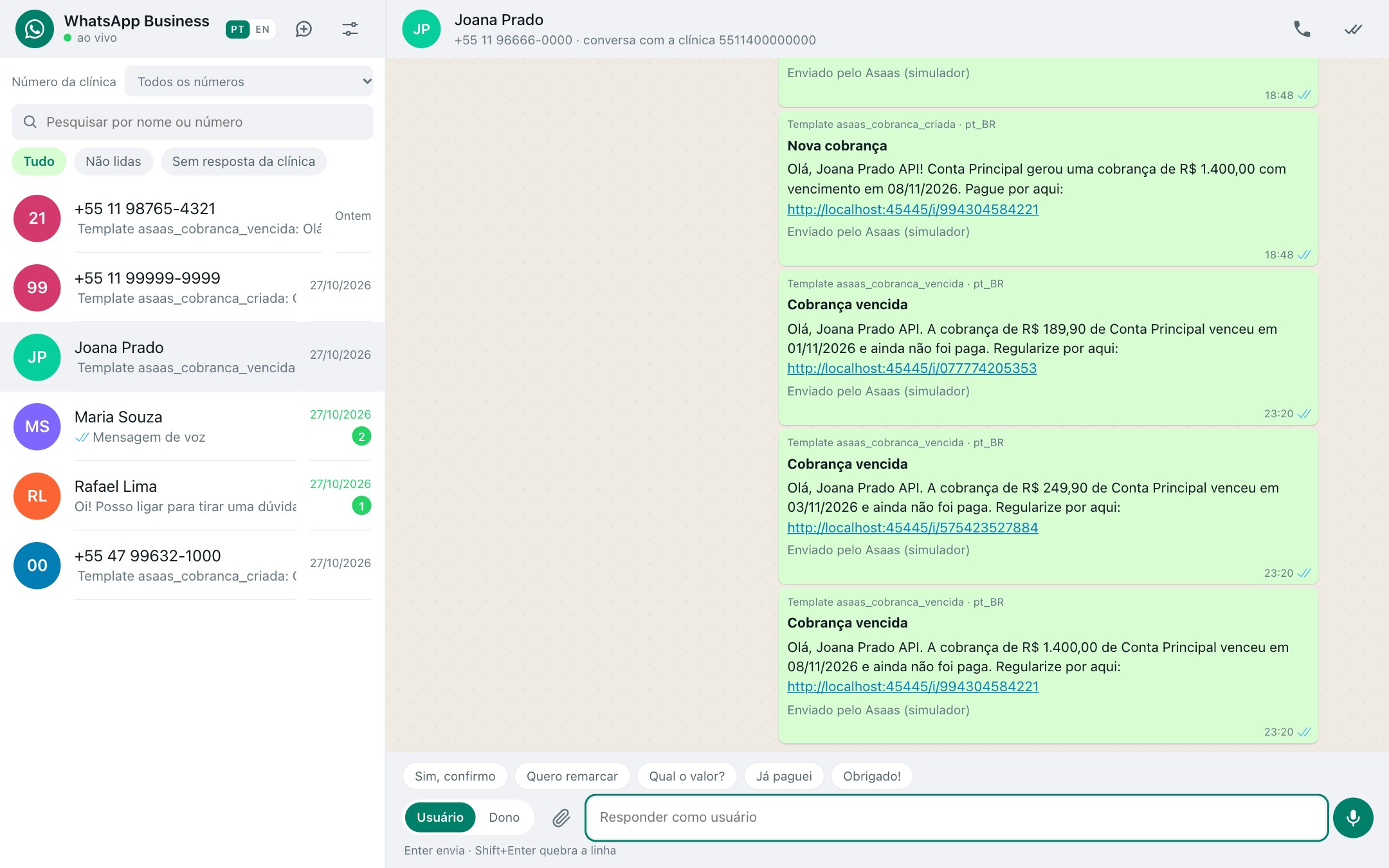
WhatsApp
docker pull ghcr.io/instituto-ama/whatsapp-mock:latest
docker run -d -p 3010:3010 ghcr.io/instituto-ama/whatsapp-mock:latest
Panel and API at localhost:3010
Mailpit, the payer e-mail inbox
docker run -d -p 8025:8025 axllent/mailpit:v1.31.4
Inbox at localhost:8025
SMS, the payer SMS inbox
docker run -d -p 8899:8899 ghcr.io/instituto-ama/sms-mock:latest
Inbox at localhost:8899
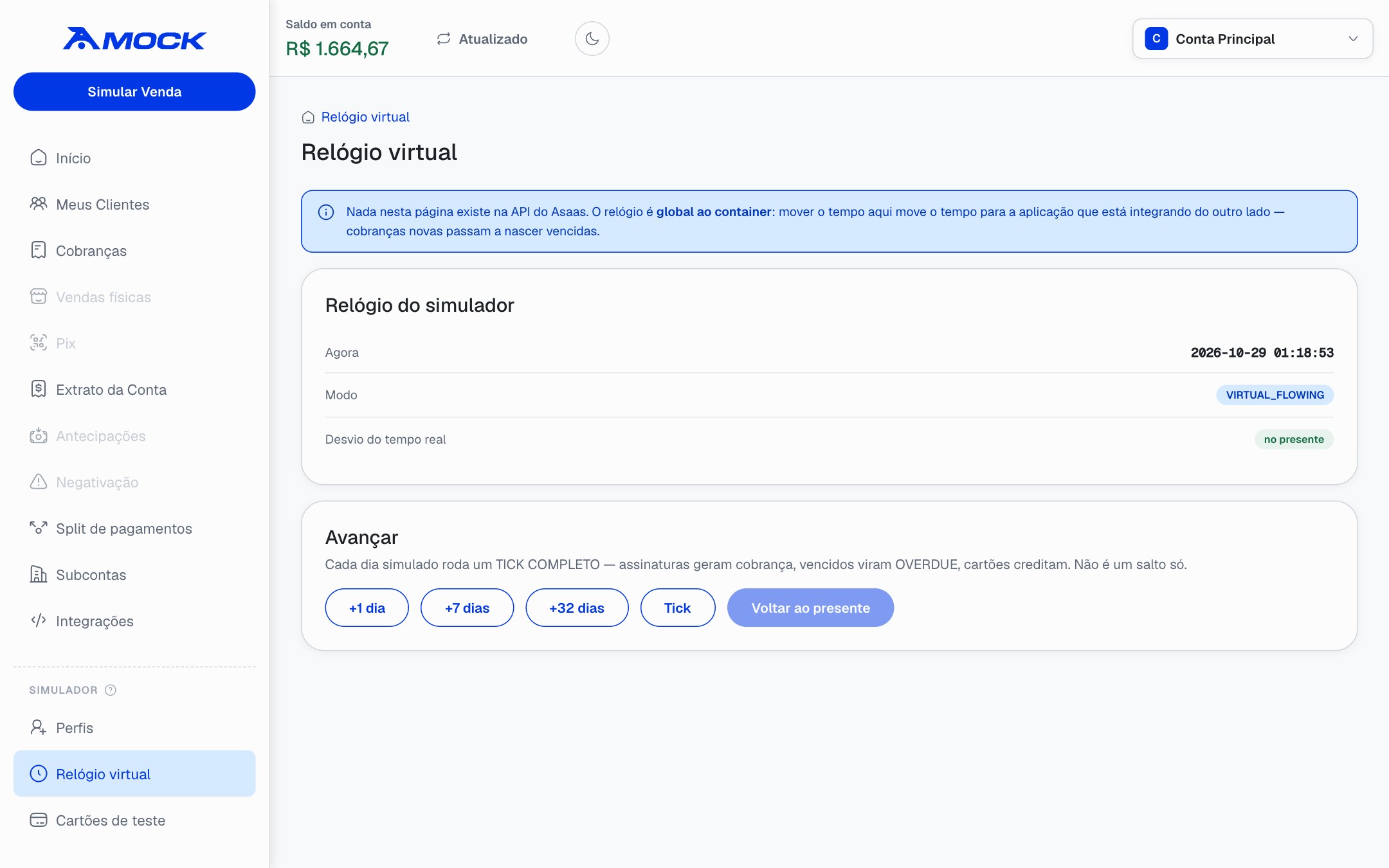
Asaas
docker pull ghcr.io/instituto-ama/asaas-mock:latest
docker run -d -p 45445:45445 -e CLOCK_MODE=VIRTUAL_FLOWING \
  ghcr.io/instituto-ama/asaas-mock:latest
Panel and API at localhost:45445, with the virtual clock on. Asaas finds WhatsApp, Mailpit and the SMS mock by itself: every charge already tells the payer on all three.
In your docker-compose
To run next to your application, in its compose. Nothing to wire: Asaas finds WhatsApp, Mailpit and the SMS mock by service name.
services:
  asaas:
    image: ghcr.io/instituto-ama/asaas-mock:0.11.0
    ports:
      - '45445:45445'
    environment:
      ASAAS_API_KEY: '$$aact_hmlg_local'   # `$$` is a literal `$` in compose
      CLOCK_MODE: VIRTUAL_FLOWING
    depends_on: [whatsapp, mailpit, sms]
    volumes:
      - asaas-data:/data

  whatsapp:
    image: ghcr.io/instituto-ama/whatsapp-mock:0.5.0
    ports:
      - '3010:3010'
    environment:
      WEBHOOK_URL: http://my-app:4000/webhooks/whatsapp   # your application
      MOCK_ALLOWED_HOSTS: whatsapp   # your application calls it by this name
    volumes:
      - whatsapp-data:/app/data

  mailpit:
    image: axllent/mailpit:v1.31.4
    ports:
      - '8025:8025'

  sms:
    image: ghcr.io/instituto-ama/sms-mock:0.2.0
    ports:
      - '8899:8899'

volumes:
  asaas-data:
  whatsapp-data:
From your application: http://asaas:45445/v3 and http://whatsapp:3010/v23.0. The payer e-mails at localhost:8025 and the payer SMS at localhost:8899.
Build from source
To run from the source, or after changing a mock.
git clone https://github.com/Instituto-AMA/ama4devs.git
cd ama4devs
WhatsApp
docker build -t whatsapp-mock mocks/whatsapp
docker run -d -p 3010:3010 whatsapp-mock
Asaas
docker build -t asaas-mock mocks/asaas
docker run -d -p 45445:45445 -e CLOCK_MODE=VIRTUAL_FLOWING asaas-mock
SMS
docker build -t sms-mock mocks/sms
docker run -d -p 8899:8899 sms-mock
With WhatsApp, Mailpit and the SMS mock up, Asaas finds them by itself, as with the ready image.
Run everything
Both mocks and Mailpit, wired together. Every Asaas charge tells the payer three ways: an e-mail in Mailpit, a WhatsApp template through the WhatsApp mock and an SMS in the SMS mock.
git clone https://github.com/Instituto-AMA/ama4devs.git
cd ama4devs
make setup        # starts everything and writes the addresses into .env
| Service | Address | What you open there |
|---|
| WhatsApp mock | localhost:3010 | Chats, templates, numbers, calls; the API at /v23.0 |
| Asaas mock | localhost:45445 | The simulator's panel and its clock; the API at /v3 |
| Mailpit | localhost:8025 | The e-mails sent to payers |
| SMS mock | localhost:8899 | The SMS sent to payers; the API at /v1/messages |
To point your project at them: write the addresses into its .env and switch the base URLs.
make setup TARGET_ENV=../my-app/.env
- https://graph.facebook.com/v23.0
+ http://localhost:3010/v23.0
- https://api-sandbox.asaas.com/v3
+ http://localhost:45445/v3