WhatsApp, with you on the other phone.

The Cloud API of the Meta Graph API v23.0 on localhost, routed and validated against Meta's own OpenAPI file. And you play the user: answer, read, react, send a voice note, call the business back, or have Meta reject a template, on demand. Every webhook reaches your machine, signed.

Run it on your machine Use cases
WHATSAPP MOCK
replay of a run
graph.facebook.com/v23.0 localhost:3010/v23.0
  1. 27/10/2026
  2. POST /100000000000001/message_templates 200
    appointment_reminder pt_BR UTILITY
    PENDING
  3. webhook message_template_status_update APPROVED
  4. POST /1234567890/messages 200
    template appointment_reminder
    "Olá Maria, sua consulta é amanhã às 14:30."
    accepted
  5. webhook status sent
  6. webhook status delivered
  7. webhook status read
  8. POST /1234567890/messages 200
    X-Mock-From: 5511987654321
  9. webhook messages from Maria Souza
    "Oi! Quero remarcar."
  10. POST /1234567890/messages 400
    template hello_world en_US
  11. (#132001) Template "hello_world" with language "en_US" not found

A real run of the image: the calls, the webhook fields and Meta's error code for a template that does not exist. Only the paper is drawn.

Run it on your machine.

Four ways, from the fastest to the most complete. The image is public: no login.

Ready image

The fastest way: the image straight from GHCR.

docker pull ghcr.io/instituto-ama/whatsapp-mock:latest
docker run -d -p 3010:3010 ghcr.io/instituto-ama/whatsapp-mock:latest

Panel and API at localhost:3010

In your docker-compose

To run next to your application, in its compose.

services:
  whatsapp:
    image: ghcr.io/instituto-ama/whatsapp-mock:0.5.0
    ports:
      - '3010:3010'
    environment:
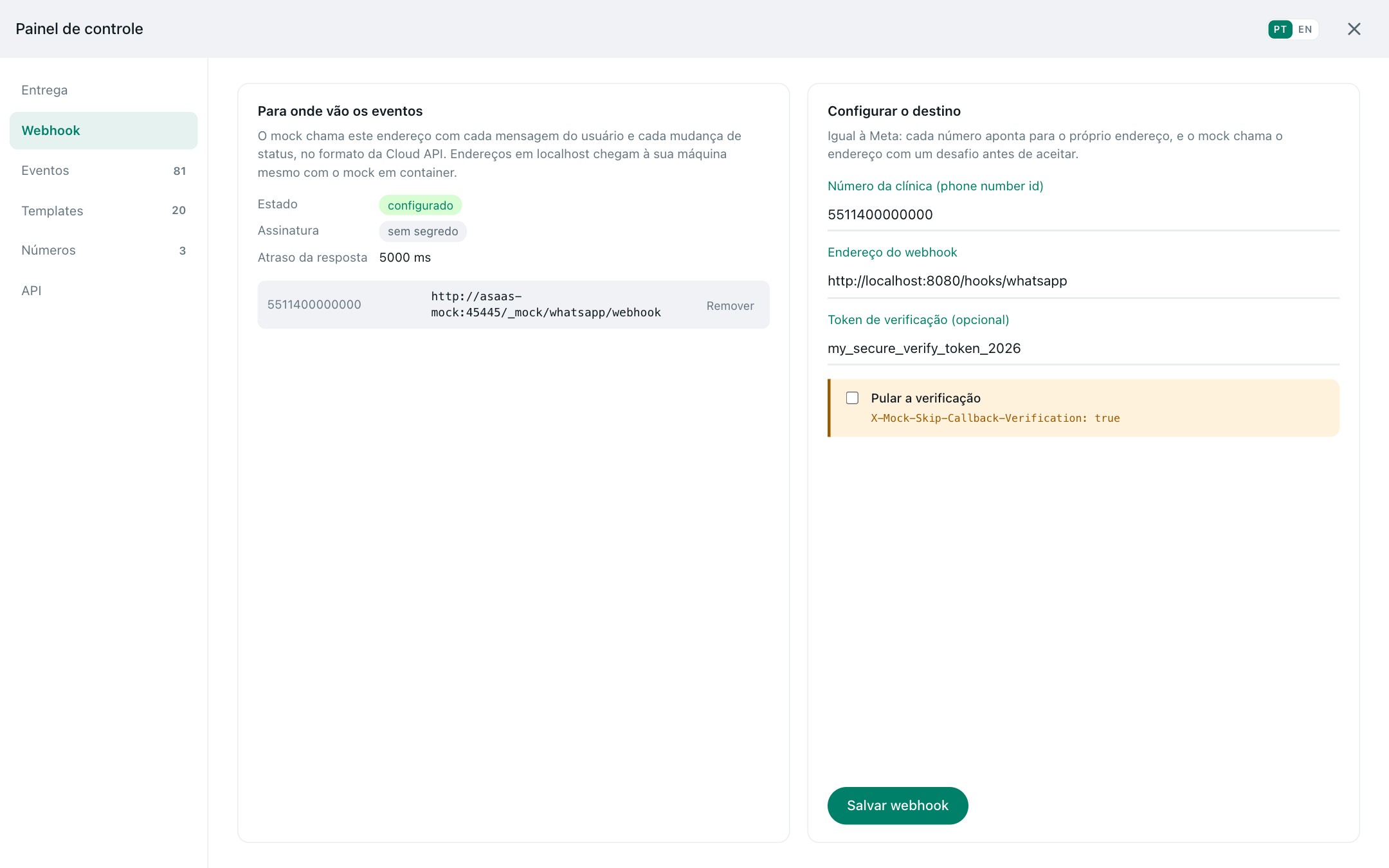
      WEBHOOK_URL: http://my-app:4000/webhooks/whatsapp   # your application
      WEBHOOK_SECRET: my-app-secret                       # signs x-hub-signature-256
      MOCK_ALLOWED_HOSTS: whatsapp                        # your application calls it by this name
    volumes:
      - whatsapp-data:/app/data

volumes:
  whatsapp-data:

From your application: http://whatsapp:3010/v23.0, with any bearer token.

Build from source

To run from the source, or after changing the mock.

git clone https://github.com/Instituto-AMA/ama4devs.git
cd ama4devs
docker build -t whatsapp-mock mocks/whatsapp
docker run -d -p 3010:3010 whatsapp-mock

Panel and API at localhost:3010

Run everything

With the Asaas mock and Mailpit, wired together: Asaas sends its payer templates through this mock.

git clone https://github.com/Instituto-AMA/ama4devs.git
cd ama4devs
make setup

WhatsApp at localhost:3010, Asaas at localhost:45445, e-mails at localhost:8025

Meta, without the bill.

Testing against Meta means a real number, a verified business, approved templates, a public URL for the webhook and a cost per conversation. And you still cannot make the user answer, take a call or have a template rejected when the test needs it.

Faithful by construction

  • Meta's OpenAPI file for v23.0 is vendored; every request is routed and validated against it.
  • A contract test sends every request example of Meta's specification through the mock.
  • Where Meta's specification contradicts Meta's own examples, the correction is written down with its reason.
  • Meta's errors, with Meta's codes: 132001, 133010, 136025, 138018…

State that behaves

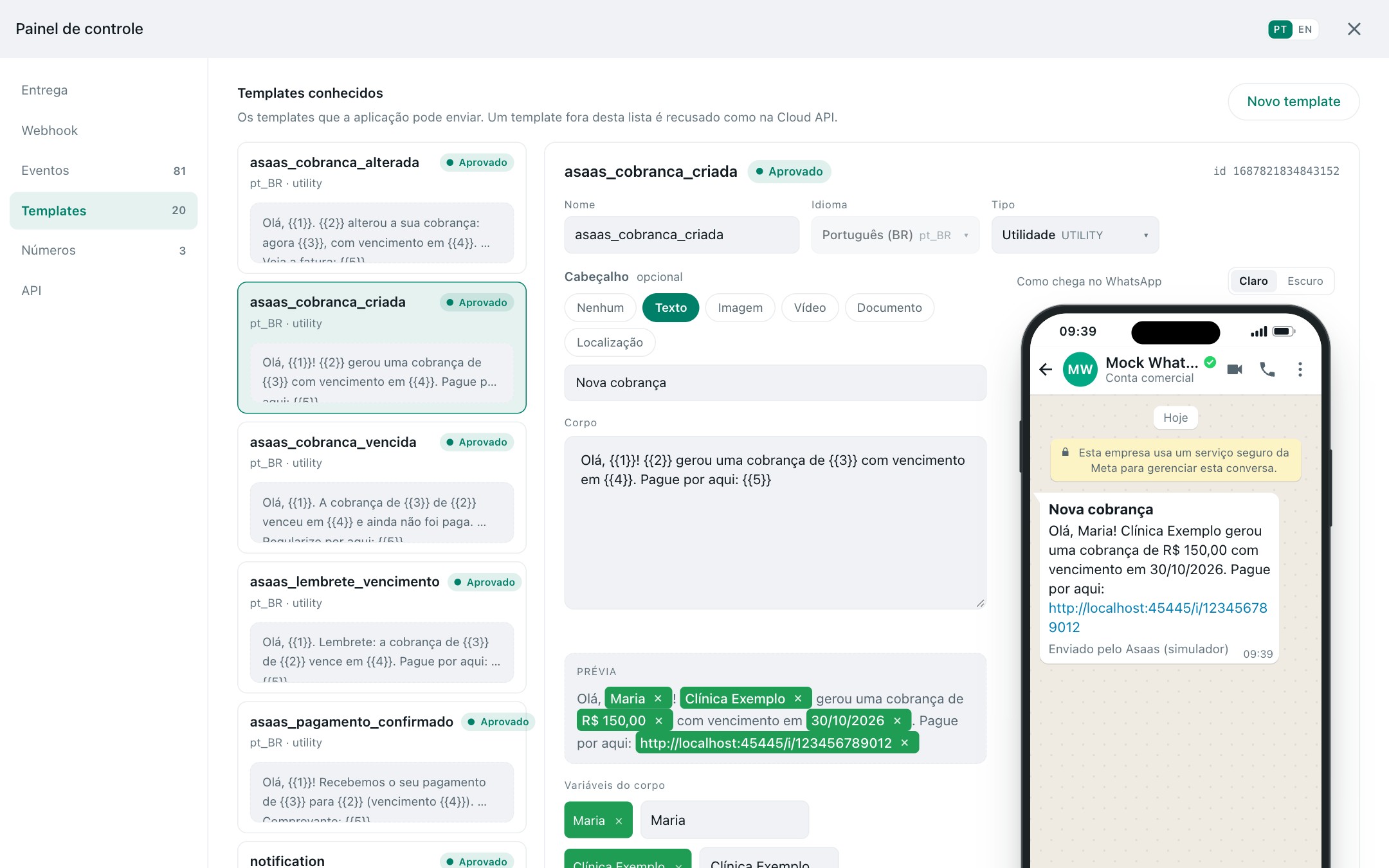
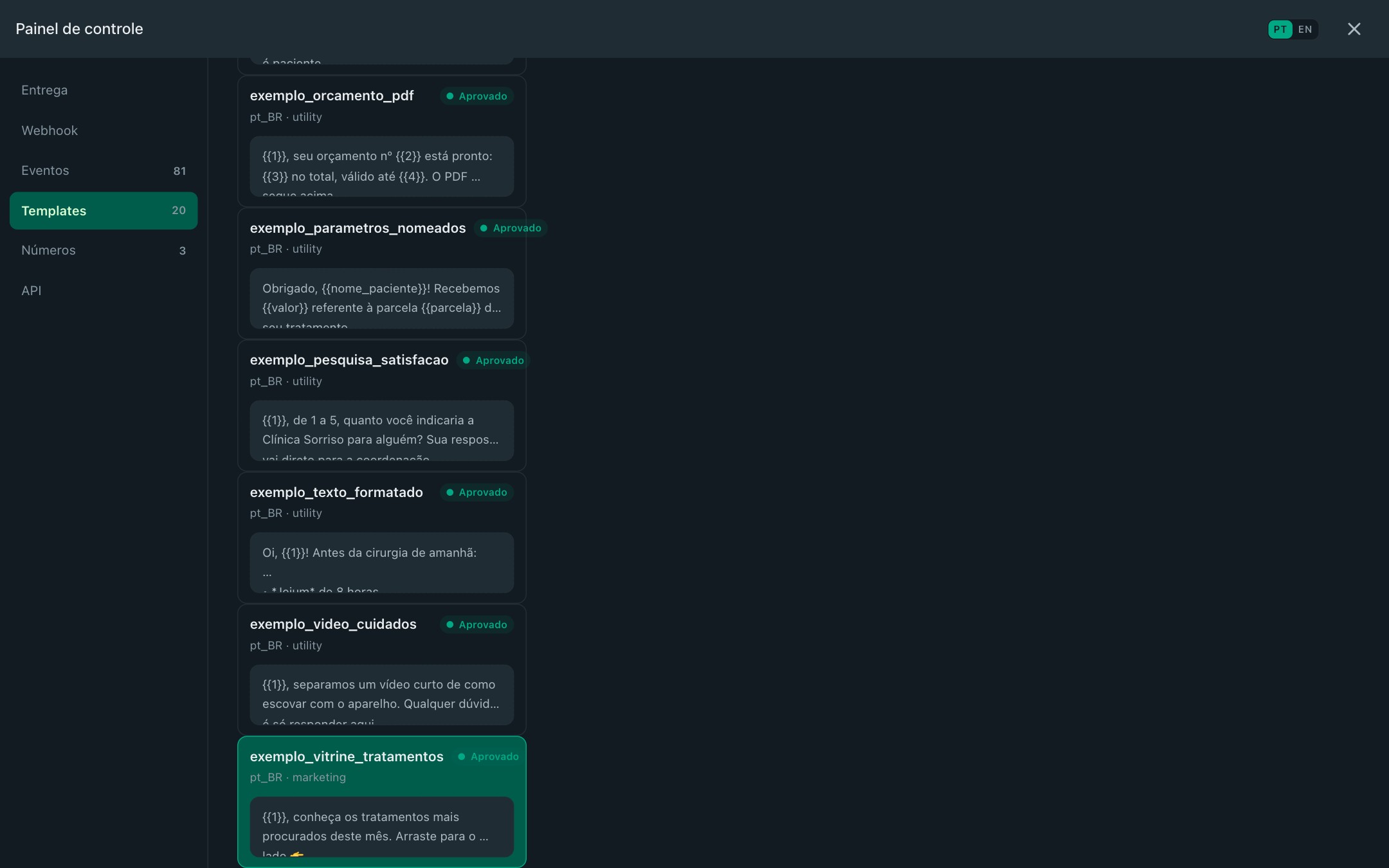
  • Templates go through a review: approved, rejected, paused, with the reason and the status webhook.
  • Messages move from sent to delivered to read.
  • A number has to be verified and registered before it sends.
  • A call needs the user's permission. Nothing to set up: it boots with a business, a WABA and a registered number with calling on.

Use cases.

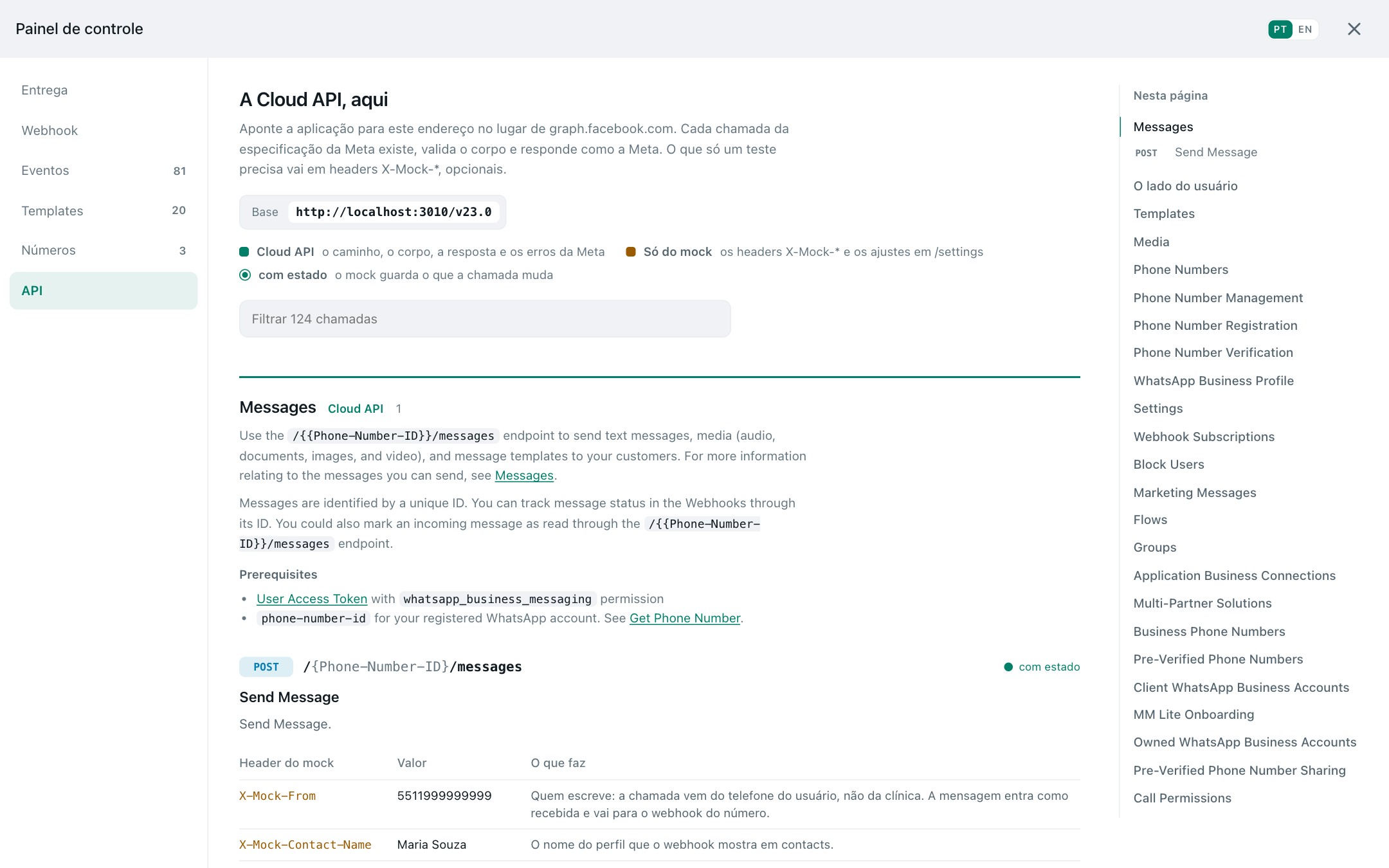
What your WhatsApp integration has to handle, each one a few calls away. Any Authorization: Bearer token is accepted, as long as there is one.

A whole conversation, both sides

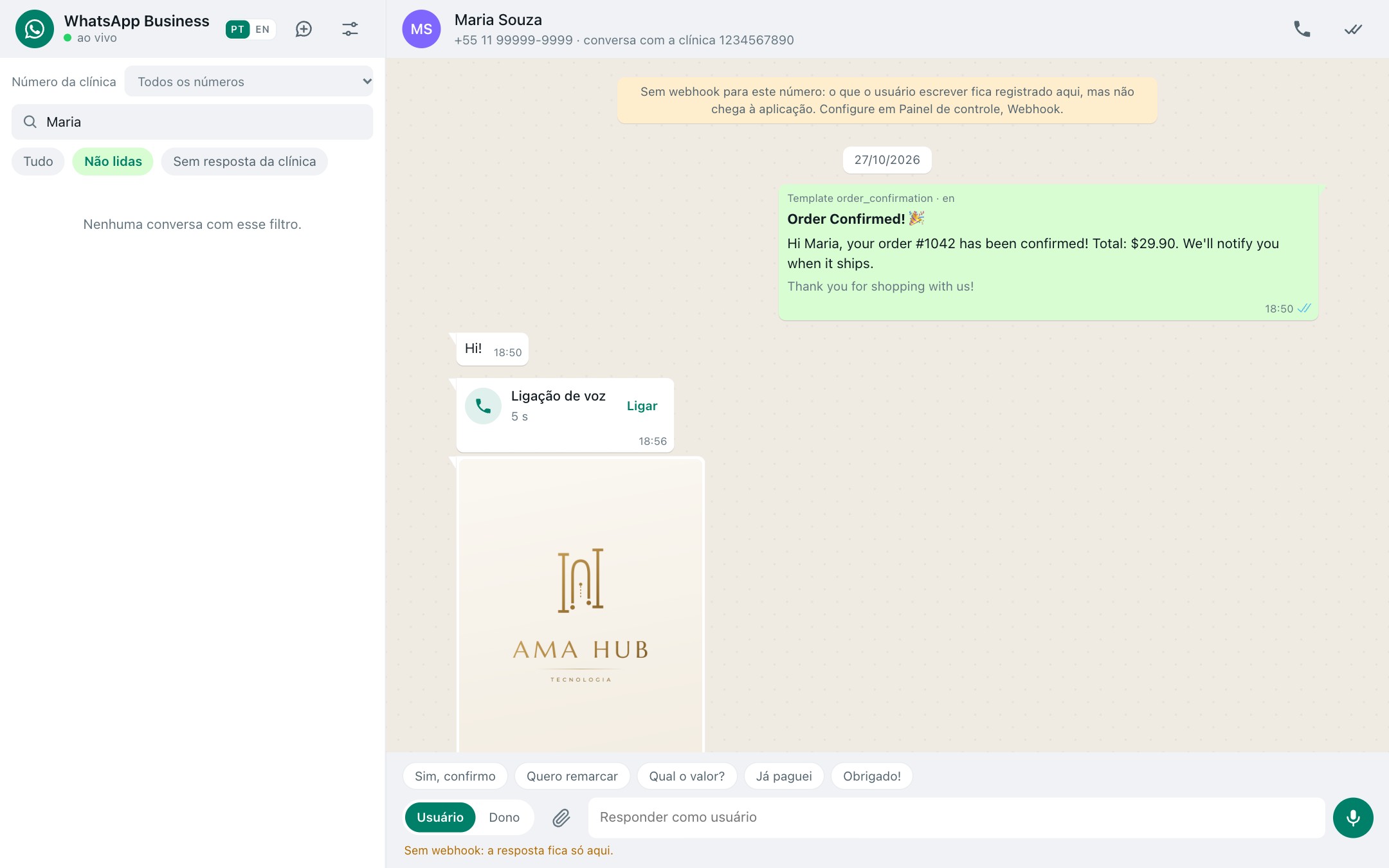
Proves your inbox threads the business's template, the receipts and the user's answer the way Meta delivers them. The X-Mock-From header makes the same call come from the user's phone.

curl -X POST localhost:3010/v23.0/1234567890/messages \
  -H 'Authorization: Bearer test' -H 'Content-Type: application/json' \
  -d '{"messaging_product":"whatsapp","to":"5511987654321","type":"template",
       "template":{"name":"appointment_reminder","language":{"code":"pt_BR"},
       "components":[{"type":"body","parameters":[
         {"type":"text","text":"Maria"},{"type":"text","text":"14:30"}]}]}}'
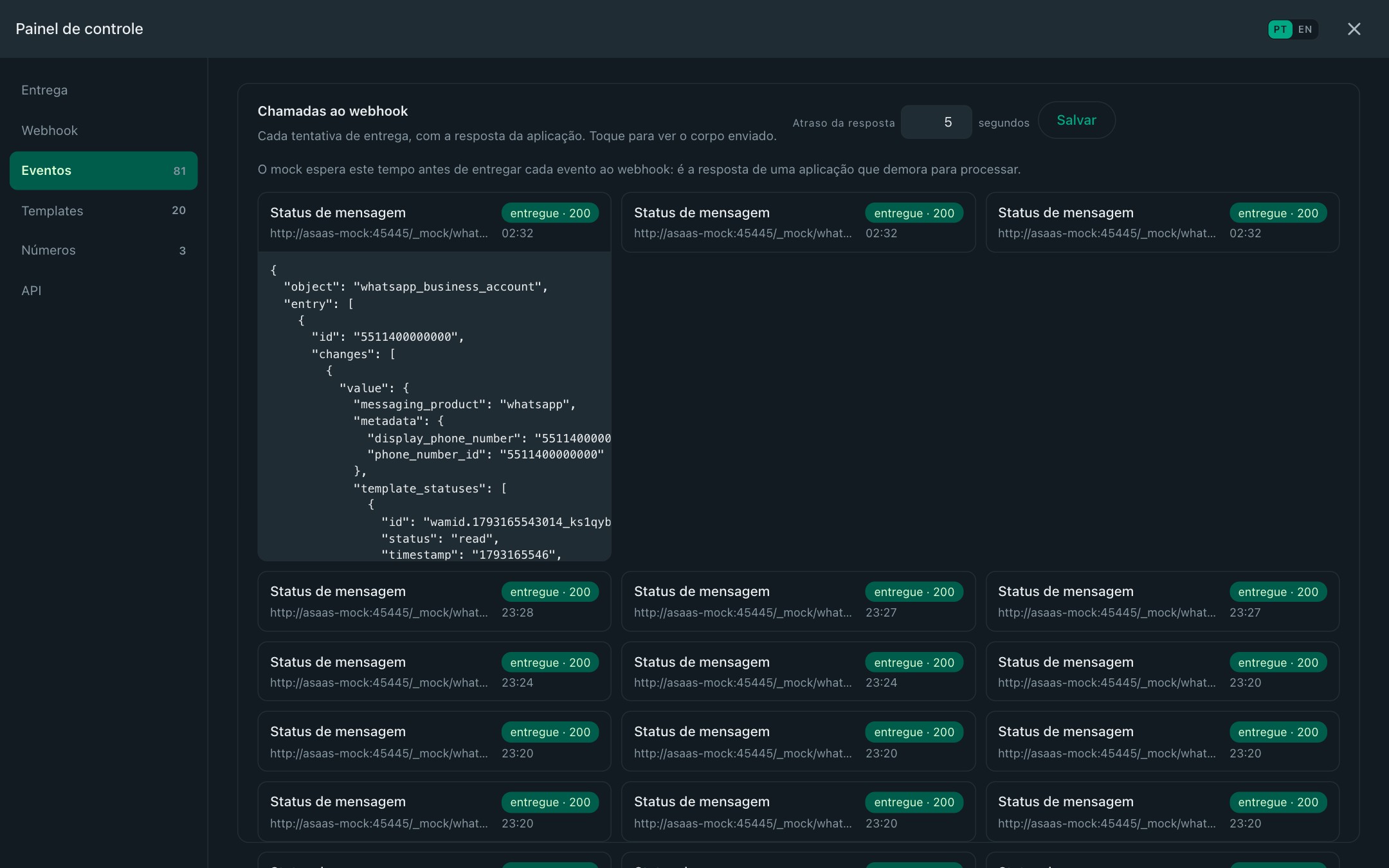
# → webhooks: sent, delivered, read

curl -X POST localhost:3010/v23.0/1234567890/messages \
  -H 'Authorization: Bearer test' -H 'Content-Type: application/json' \
  -H 'X-Mock-From: 5511987654321' -H 'X-Mock-Contact-Name: Maria Souza' \
  -d '{"messaging_product":"whatsapp","type":"text","text":{"body":"Oi! Quero remarcar."}}'
# → webhook messages, from 5511987654321, profile name Maria Souza
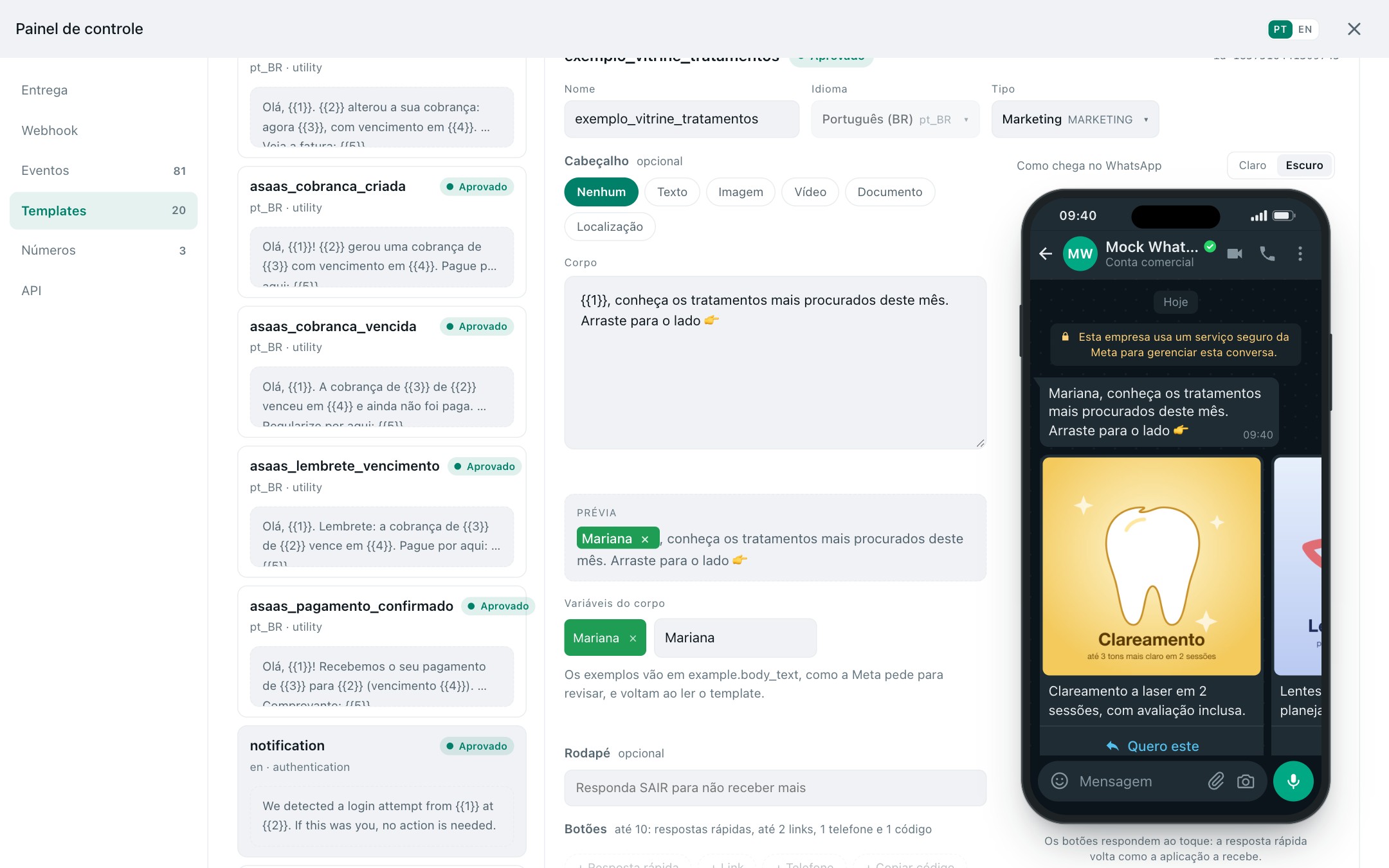
A template Meta rejects

Proves your template screen shows the verdict and the reason. The review takes the time you choose, and the status webhook arrives as Meta sends it.

curl -X POST localhost:3010/v23.0/100000000000001/message_templates \
  -H 'Authorization: Bearer test' -H 'Content-Type: application/json' \
  -H 'X-Mock-Template-Review: REJECTED' \
  -H 'X-Mock-Template-Review-Reason: INVALID_FORMAT' \
  -H 'X-Mock-Template-Review-Delay: 5000' \
  -d '{"name":"promo_black_friday","language":"pt_BR","category":"MARKETING",
       "components":[{"type":"BODY","text":"Até 50% off hoje!"}]}'
# → PENDING; 5 s later webhook message_template_status_update REJECTED, reason INVALID_FORMAT

A message that never gets read, or fails

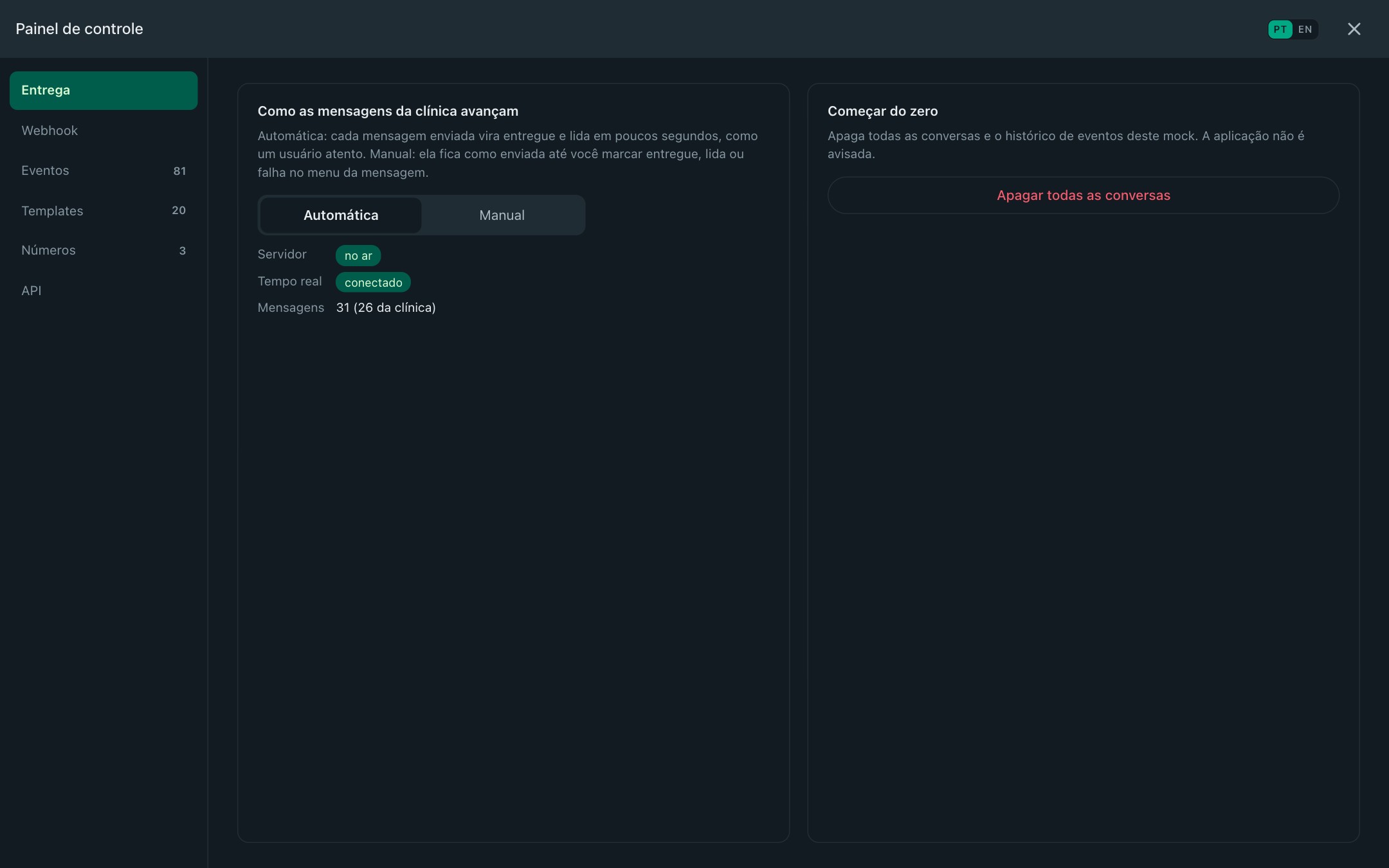
Proves your follow-up logic for messages stuck at delivered, or failed. With MOCK_DELIVERY_MODE=manual the ticks move only when the user's phone gives a receipt.

curl -X POST localhost:3010/v23.0/1234567890/messages \
  -H 'Authorization: Bearer test' -H 'Content-Type: application/json' \
  -H 'X-Mock-From: 5511987654321' -H 'X-Mock-Message-Status: failed' \
  -d '{"messaging_product":"whatsapp","status":"read","message_id":"wamid.…"}'
# → webhook status failed for that message

Onboarding a new number

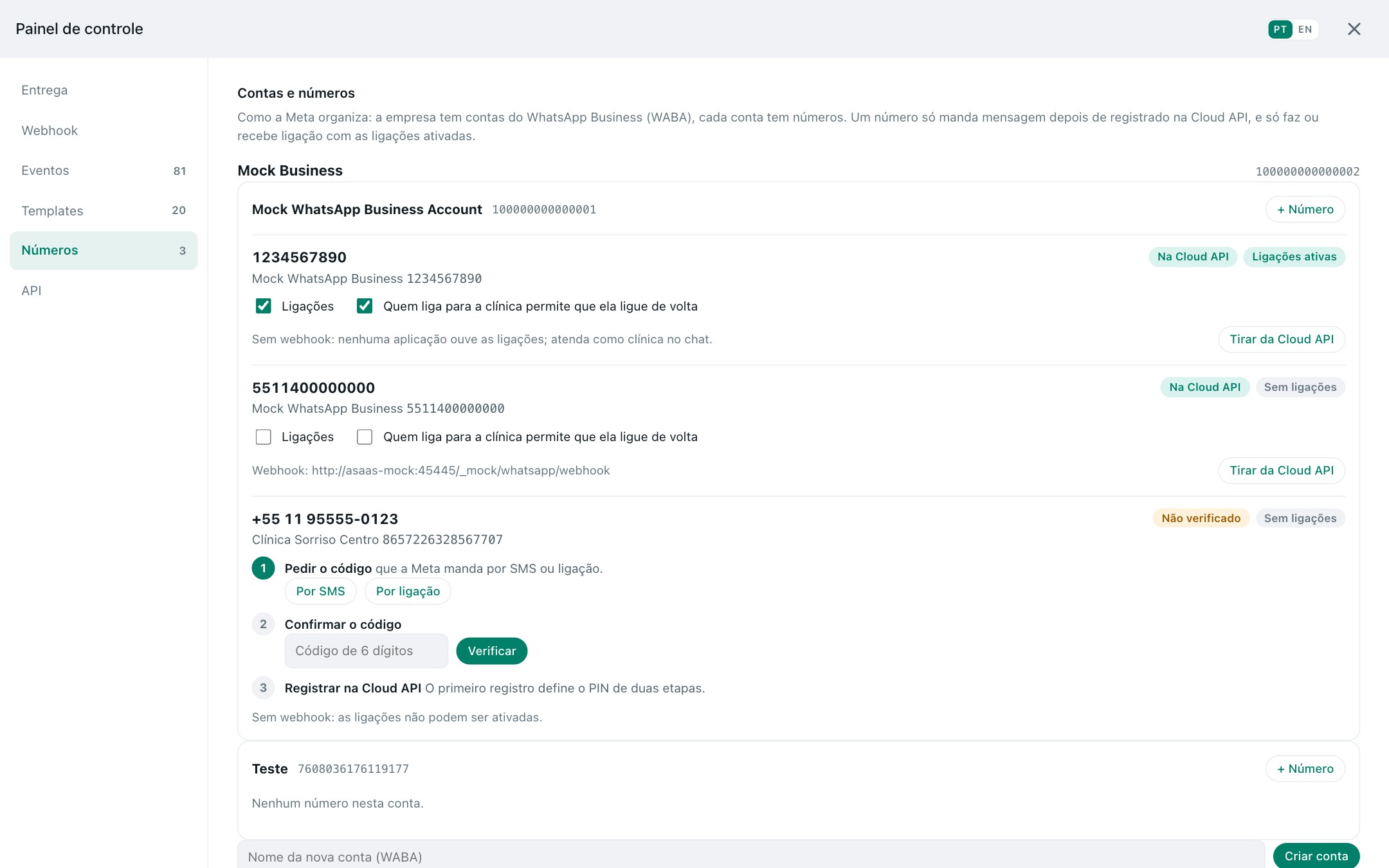
Proves your onboarding flow with Meta's steps and Meta's errors: the code by SMS (shown in the panel), a wrong code, the PIN, a number off the Cloud API trying to send.

POST /v23.0/100000000000001/phone_numbers   {"cc":"55","phone_number":"11955554444","verified_name":"Clínica"}
POST /v23.0/{phone-number-id}/request_code   # the code shows on the number in the panel
POST /v23.0/{phone-number-id}/verify_code    # a wrong code is (#136025)
POST /v23.0/{phone-number-id}/register       # six-digit PIN; another PIN later is (#133005)
POST /v23.0/{phone-number-id}/settings       # calling on; needs a webhook, or (#138018)
POST /v23.0/{phone-number-id}/messages       # before register: (#133010)

Voice calls with real audio

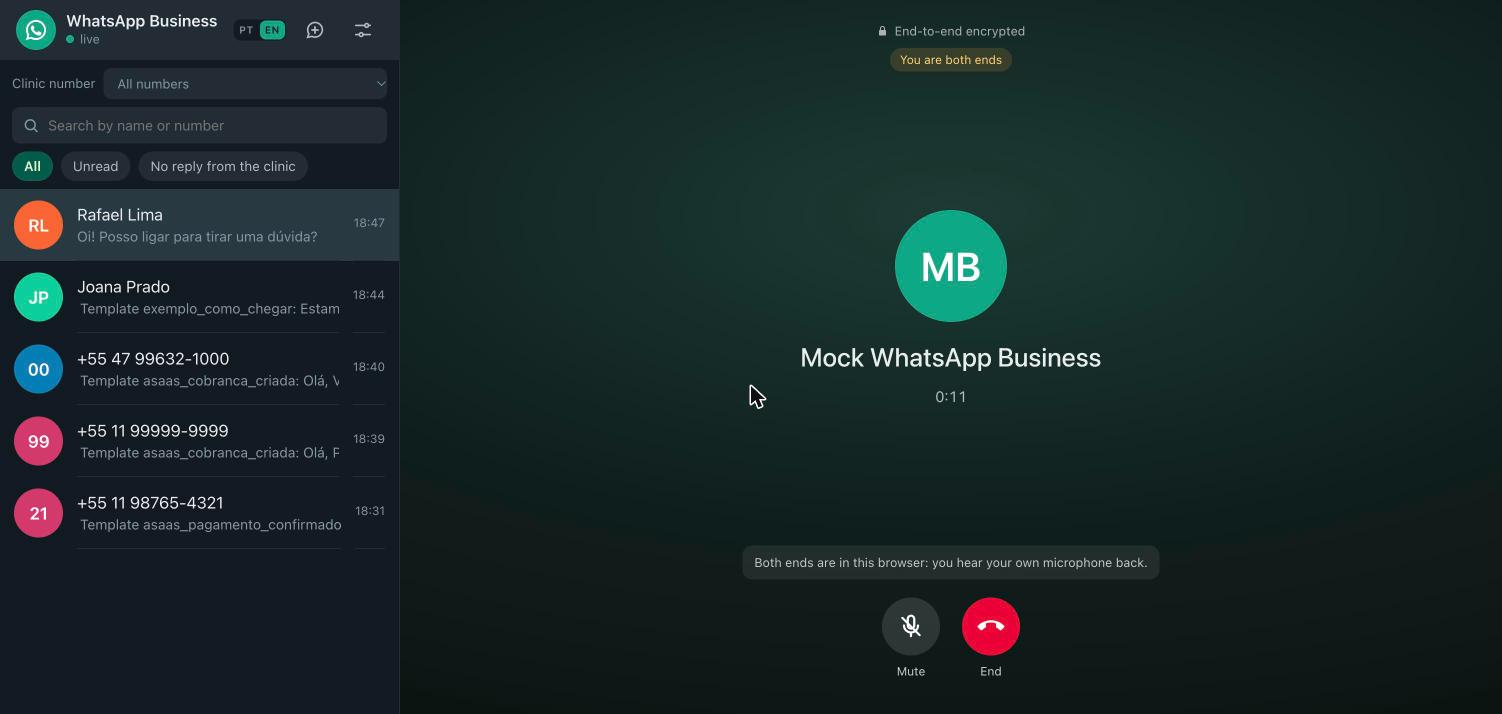
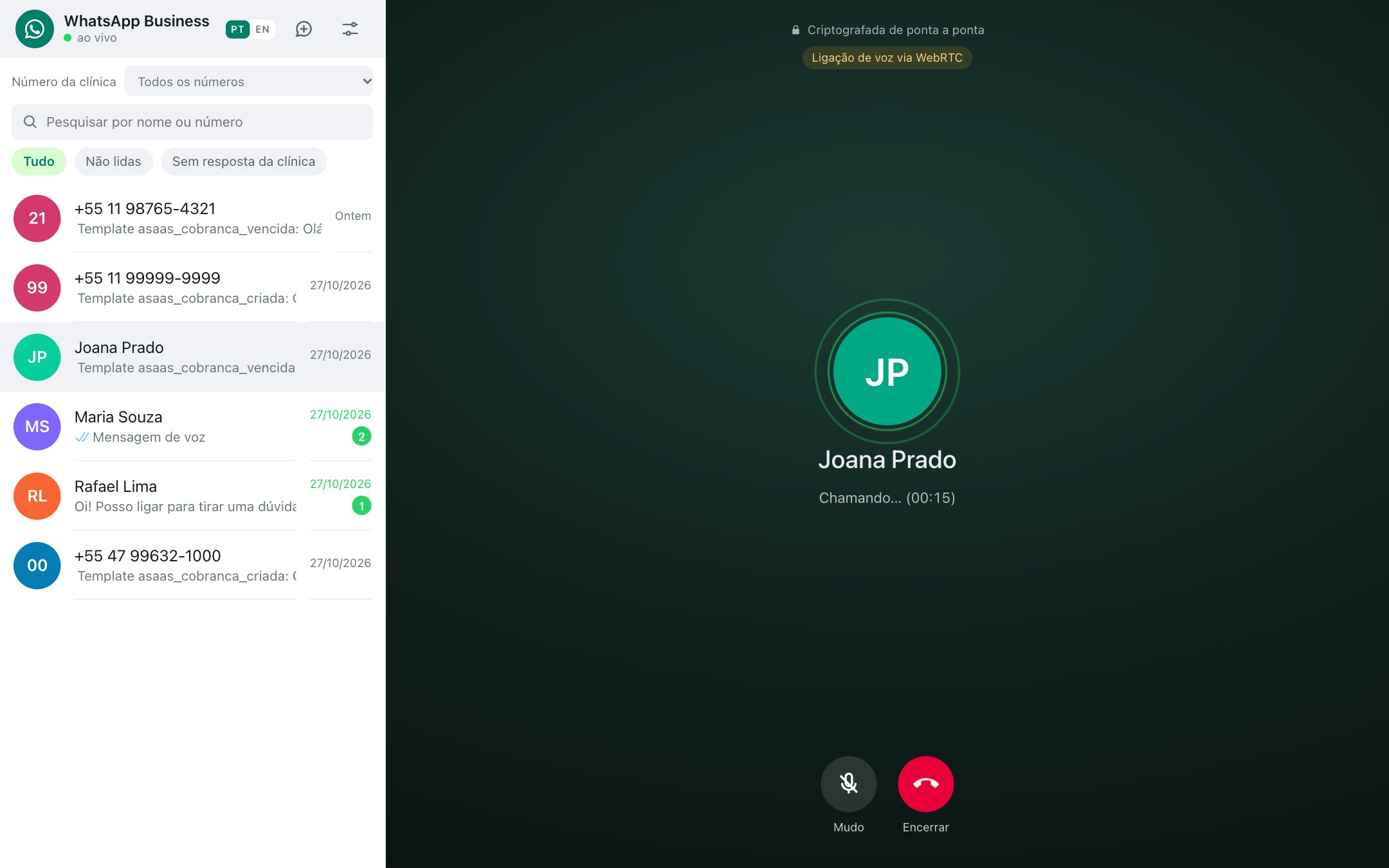
Proves your Calling API integration end to end: the permission request and the user's answer, pre_accept, accept, terminate and the calls webhooks, with real WebRTC audio from your microphone in the panel.

The call screen of the panel with the timer, mute and end buttons.

Checking the webhook signature

Proves your endpoint refuses what Meta did not sign. With WEBHOOK_SECRET set, every webhook carries x-hub-signature-256, the HMAC-SHA256 of the raw body, like Meta's app secret.

import { createHmac, timingSafeEqual } from 'node:crypto'

const expected = 'sha256=' + createHmac('sha256', process.env.WEBHOOK_SECRET)
  .update(rawBody).digest('hex')
const ok = timingSafeEqual(Buffer.from(expected), Buffer.from(req.headers['x-hub-signature-256']))

Media and voice notes

Proves your media pipeline: upload with Meta's types and size limits, download with a token, delete. From the panel, the microphone records a real voice note (Ogg Opus) and your webhook gets audio with voice: true.

curl -X POST localhost:3010/v23.0/1234567890/media \
  -H 'Authorization: Bearer test' \
  -F messaging_product=whatsapp -F type=image/jpeg -F file=@photo.jpg
# → {"id":"…"}; then send it as {"type":"image","image":{"id":"…"}}

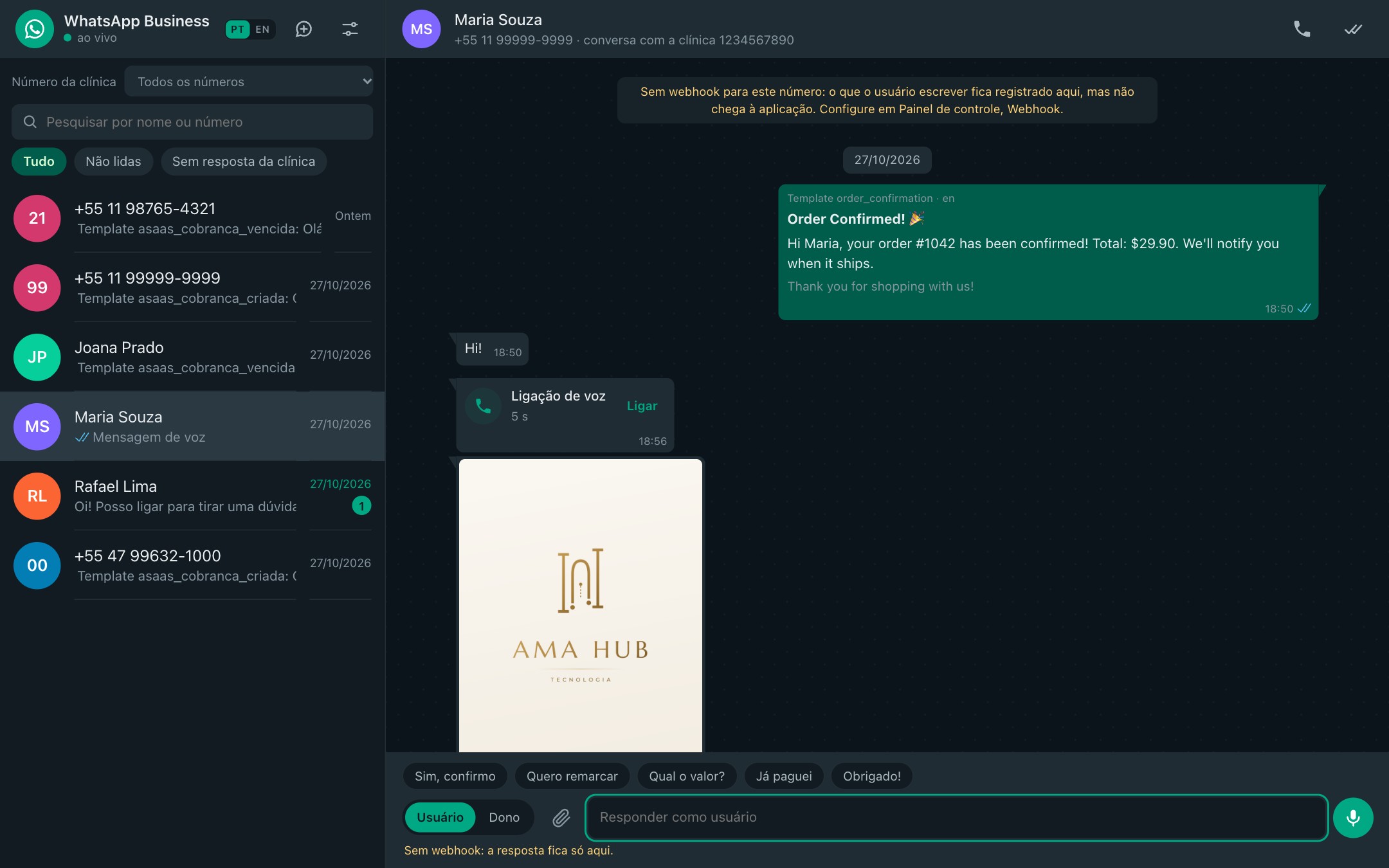
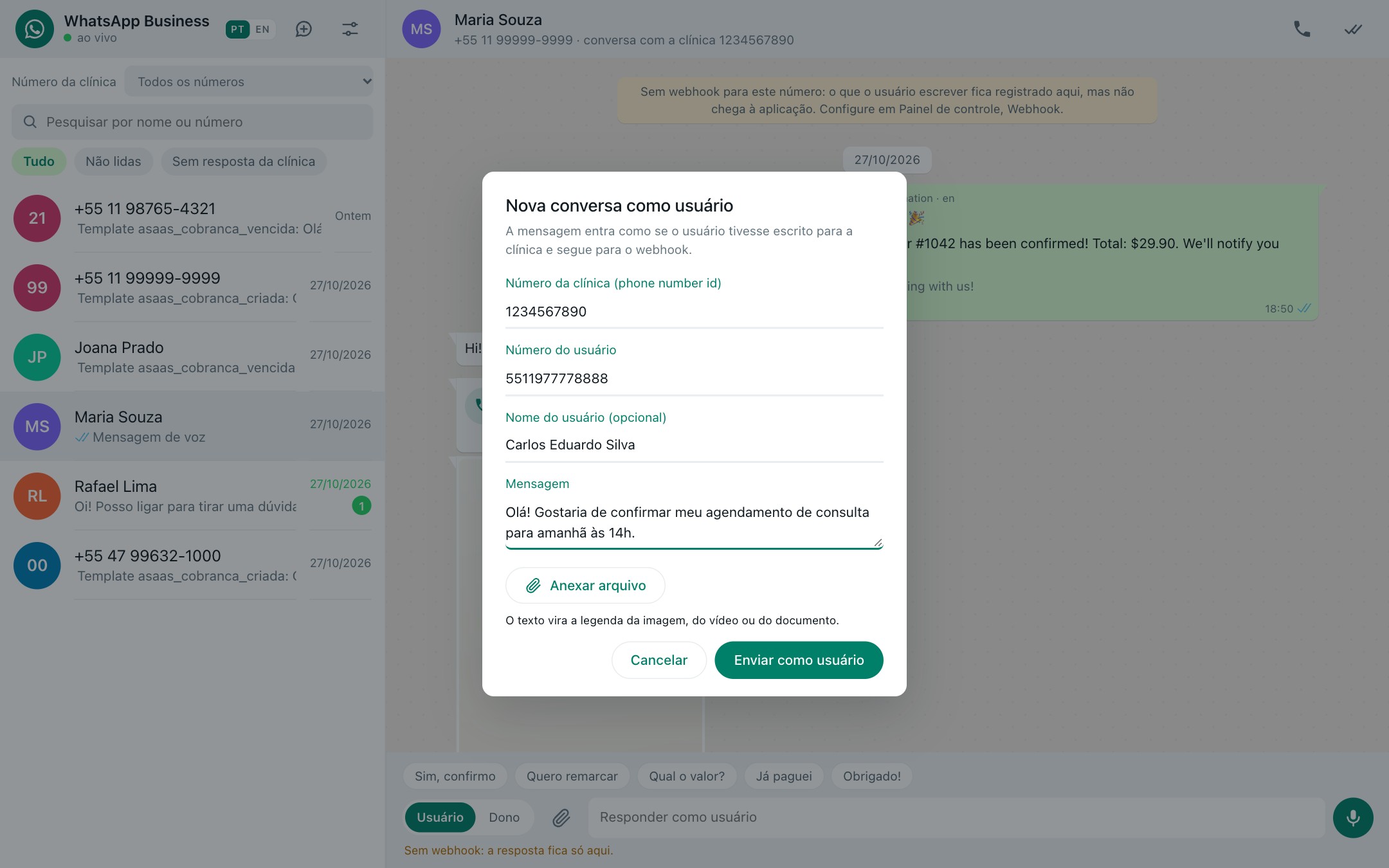
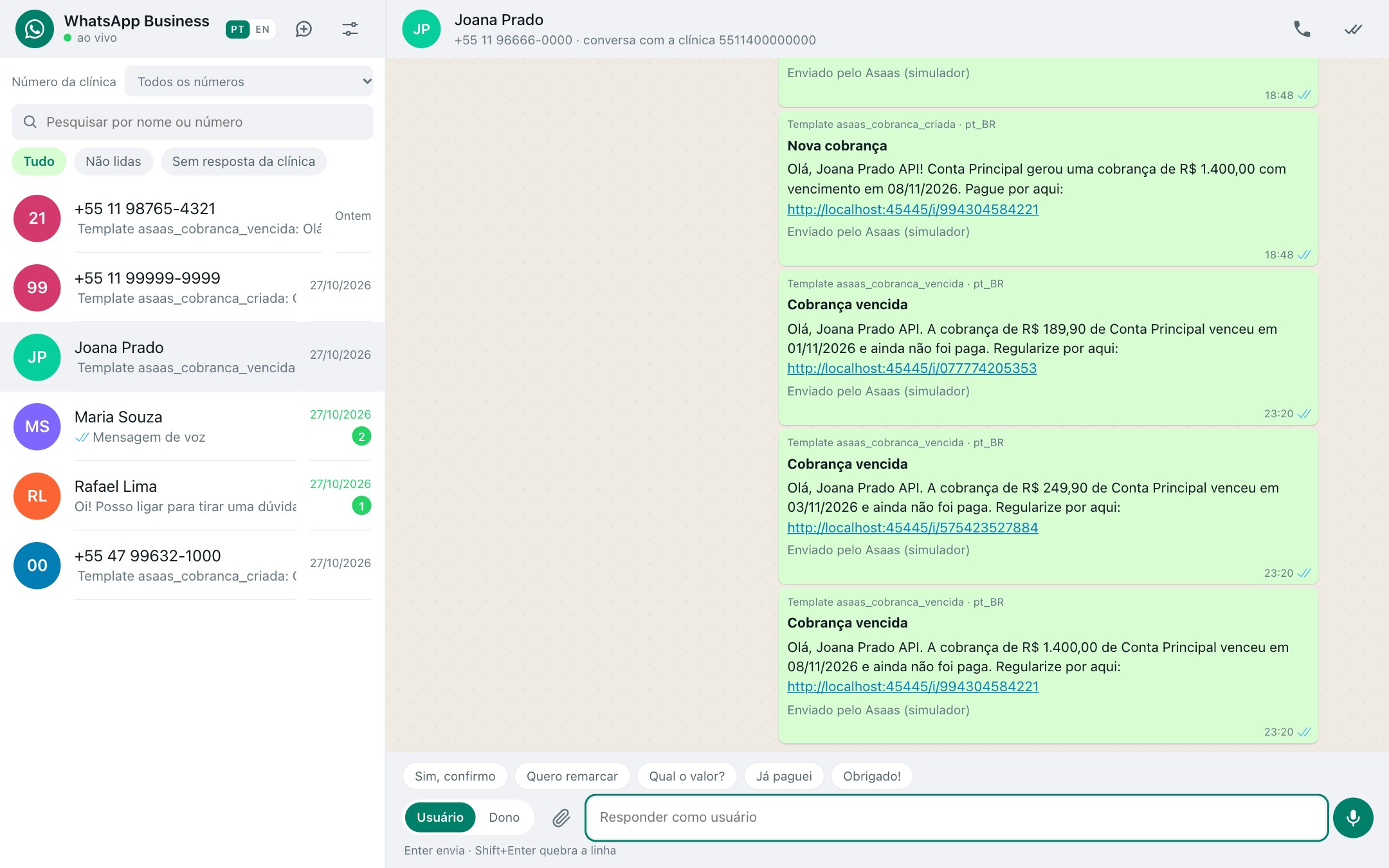
The panel: you are the user.

Open http://localhost:3010. A WhatsApp Web like screen with no private routes: every action is the Cloud API call your application would make, or a /settings call for what Meta has no endpoint for.